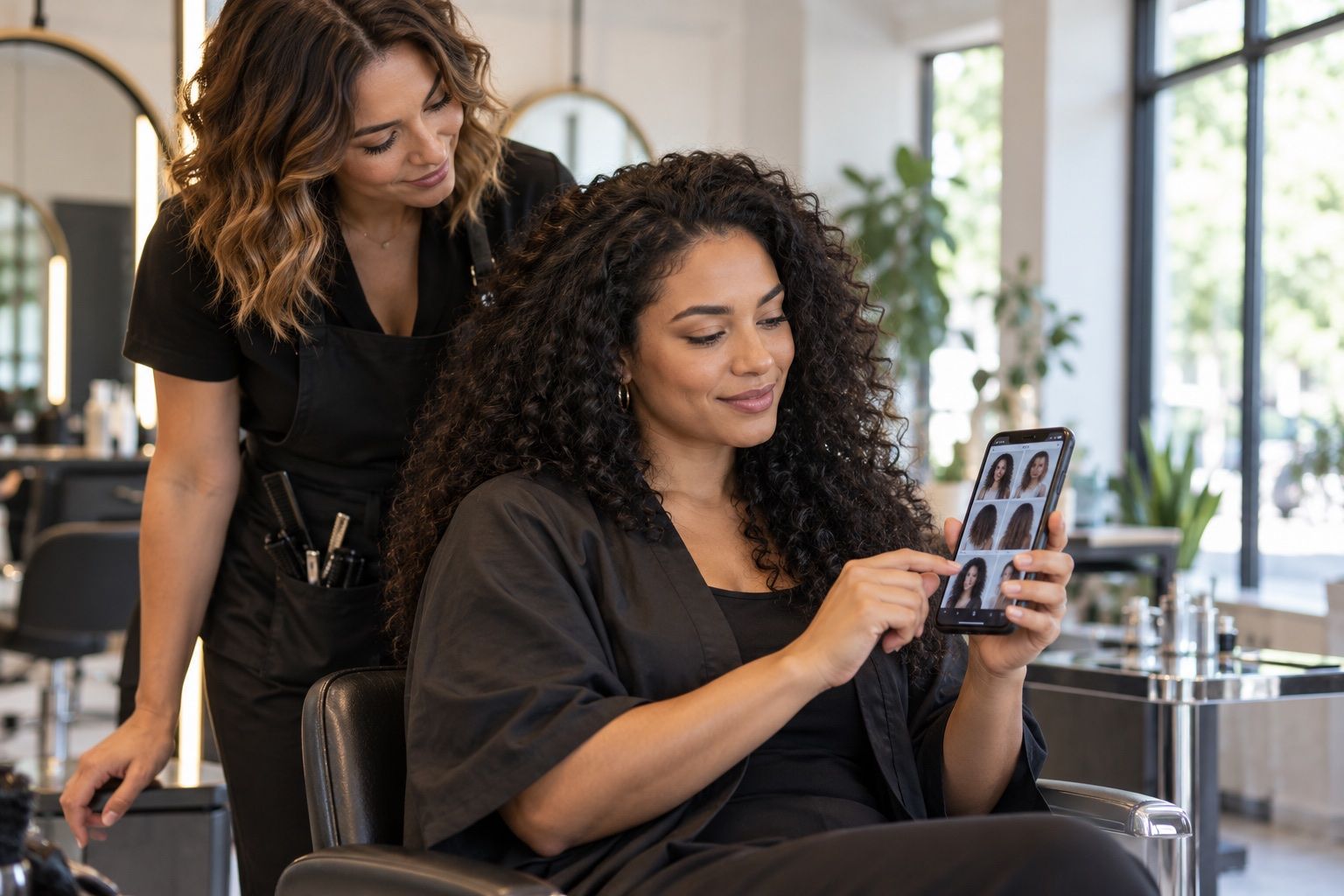
A careful haircut preview is most useful when it helps you compare a specific choice and prepare a practical salon conversation.
Begin with your actual use case
A hairstyle app for women may offer virtual try-on, saved inspiration, haircut galleries, editing tools or appointment support. Start by deciding which problem you need it to solve. Someone comparing a fringe with no fringe needs a reliable photo overlay; someone already committed to a cut may need reference images and a way to organize them. A long feature list is less useful than one feature that works well for your decision.
Think about whether you want a quick visual experiment or a repeatable planning tool. For a quick test, straightforward controls and a clear photo guide may matter most. For ongoing planning, you may value saved collections, notes or sharing options. Do not assume every app includes these functions just because it uses the word “hairstyle.” Check its current description and try the basic workflow before depending on it.
Evaluate the image match
A useful try-on should align the hairstyle with the visible hairline and face without requiring a confusing sequence of edits. Test one style whose outline you already understand, such as a simple shoulder-length cut. Notice whether the overlay follows the temples, respects the ears and sits at a believable height on the forehead. Then try a second style with a different silhouette to see how the tool behaves beyond one example.
Look at the result at full-screen size and at ordinary viewing distance. Zoom can reveal a rough edge, but the overall shape matters more for choosing between lengths. Check whether your face appears stretched, narrowed or otherwise changed when you apply a style. If facial proportions shift, separate the hairstyle decision from that visual effect and avoid interpreting the composite as a faithful portrait.
Match the app to your hair routine
A style preview should be considered alongside texture, density, growth pattern and daily habits. If your hair is wavy or curly, ask whether the available looks include a similar pattern and whether the selected length accounts for shrinkage. If you have fine hair, notice when the overlay adds volume. For dense hair, look for examples that show the weight and shape you actually want to manage.
Choose references you could maintain. A sharp bob may require more frequent shaping than a longer layered cut; a fringe may need trimming and styling between salon visits. The app cannot decide whether that schedule works for you. Save the expected routine beside the image: approximate styling time, products you already use, and how often you are comfortable returning to a stylist.
Check the experience before paying
Review what is included in the free version and whether specific filters, exports or saving features require payment. Pricing and features can change, so inspect the current in-app information instead of relying on an old review. Be cautious of trial terms that are easy to overlook, and confirm whether cancellation is handled in the app store or by the service itself.
Try the main feature before entering payment details if a free preview is offered. Look at the app’s update history and support information as signs of how actively it is maintained, while remembering that these do not guarantee quality. If a tool requests access to contacts, location or unrelated media, consider whether that permission is necessary for the feature you want and decline access that does not make sense.
Consider photo privacy and control
A portrait is personal information. Before uploading one, read the app’s privacy explanation for image processing, storage, sharing and deletion. A sign-in prompt may be linked to saved results, but an account does not automatically explain how the underlying image is handled. Use a photo you are comfortable submitting and keep other people, children, addresses and documents out of the frame.
Check whether the app can work with a cropped or locally stored image and whether it offers a deletion path. If these details are not clear, ask the provider or use a non-upload alternative, such as comparing reference images on your device. Do not infer privacy practices from a brand name, a store badge or a claim that a feature is “AI-powered.” The written terms are the relevant source.
Use saved looks to communicate
If you find an image worth keeping, add a note that separates the idea from the simulation. “I like the soft layers around the cheek; keep my natural curl and leave enough length to tie it back” gives a stylist useful boundaries. Save the image with a date and the name of the style or feature so you can remember what you were comparing.
Bring a second reference showing texture or back shape if the app only creates a front view. A front-facing composite may say little about the nape, crown layers or how the cut moves. Ask the stylist which parts can be adapted to your current hair and which would take extra styling. Treat the app output as one visual reference among several, not as a technical cutting diagram.
Decide whether the app helped
After trying a few options, step away from the screen and look again later. Note which shape you still like and why: length, ease of styling, framing or simply curiosity. If every image looks appealing but none answers your question, the app may be better for inspiration than decision-making. You can switch to a direct salon consultation with two or three reference photos.
A helpful app makes comparisons clearer and leaves you better prepared to ask about the cut. It does not need to produce a perfect likeness. If you cannot tell what changed, if the fit around the hairline is distracting, or if you do not trust the terms, stop using it and choose another planning method. Your final decision can still be informed by real hair examples and professional advice.
Compare the app with your alternatives
An app does not need to be the center of your decision. You can compare its previews with photographs saved from magazines, salons or personal collections. Real examples may show texture and back shape more clearly, while an overlay may help you imagine approximate length on your own face. Using both methods can reveal which parts of the result are dependable.
If you share a saved result, explain that it is a visual mock-up and name the feature you want to discuss. Ask whether a similar shape works with your starting length and hair texture. This keeps the conversation focused on a cut rather than on how the app created its image.