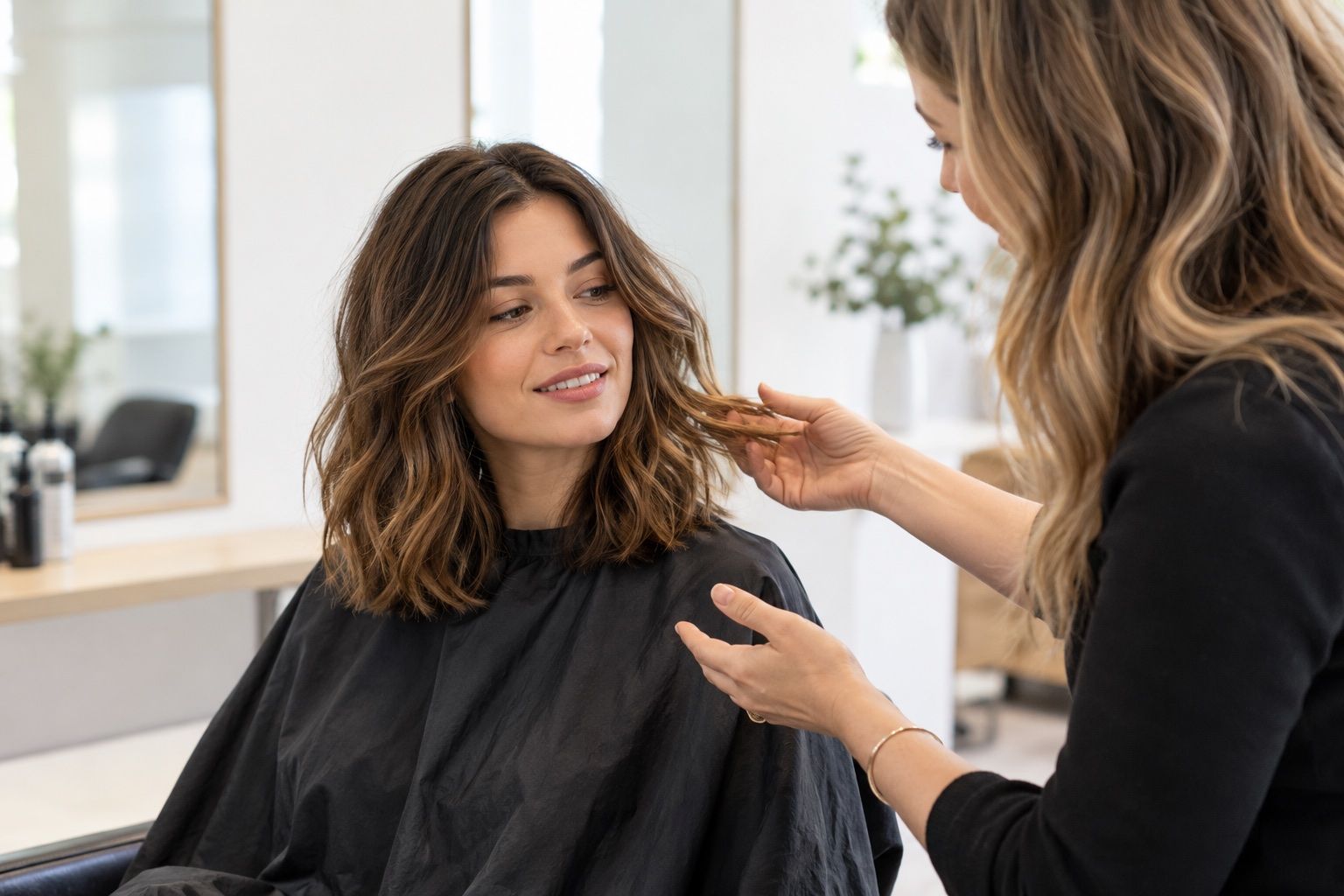
A careful haircut preview is most useful when it helps you compare a specific choice and prepare a practical salon conversation.
Start with the smallest amount of information
A hairstyle preview tool can be useful without creating an account when it lets you test a small number of options directly in a browser or app. Begin with a neutral photo and explore only the styles related to your decision. The limited session can help answer a practical question, such as whether to keep shoulder length or try a shorter outline, without turning the exercise into a long search for a perfect image.
Before uploading a photo, pause to read the tool’s own privacy notice and the permissions shown by your device. “No sign-up” describes an account step; by itself it does not explain how an image is processed, stored or deleted. Avoid adding a photo containing other people, location clues or documents in the background. If the terms are unclear, use a picture you are comfortable sharing or choose another way to compare styles.
Prepare a comparison photo
Use a clear front-facing image with soft, even light and the full outline of your current hair visible. Keep your head straight, remove a hat and avoid a filter that changes facial proportions. The same photo should be used for every option. A small preparation step makes the differences easier to judge and helps reveal whether a preview is changing the cut or simply reacting to a new angle or shadow.
If the tool works better with hair tucked behind the ears, save a second version for that purpose. Do not compare a tucked-hair photograph with an untucked one unless the hairline itself is the question. Keep both versions on your device and remove them from any shared gallery when finished. The goal is a controlled comparison, not a set of portraits that present you differently.
Limit the session to a decision
Write one question before you start: “Would I like a fringe that can part in the center?” or “Would a cut ending above the shoulders fit my routine?” Then test two or three nearby options. A narrow comparison is easier to remember, especially if the service closes when you leave the page or does not save settings. You can take screenshots if permitted by the tool and your own privacy preferences.
Avoid treating a large catalogue as a recommendation engine. A tool may display styles because they are available, not because they suit your hair density, texture, habits or desired upkeep. Use the images as prompts for questions. If none looks right, adjust only one feature and try again rather than concluding that your face or hair cannot work with a new cut.
Check how the overlay fits
Inspect the hairline, temples and ears. Some previews place a fringe above the real hairline or leave a sharp gap near the side of the face. Others can make the head look wider or narrower because the hair shape is composited over a still image. These are limitations of the visual match, not evidence that a cut would look the same in person.
Look at the overall outline at normal screen size before zooming in. A preview that appears plausible only when enlarged may be less useful than a simpler option whose length and shape are easy to understand. Compare where the ends sit relative to the jaw, collar and shoulders. Those landmarks make the image easier to discuss even when individual strands are not rendered realistically.
Plan for your real texture
Consider how the selected style behaves with your natural texture. If your hair curls, coils, waves or changes with humidity, a straight digital fringe may not show its likely shrinkage or separation. If your strands are fine, a full-looking overlay may assume more density than you have. If hair is thick, the app may not indicate how much weight a stylist would need to remove or preserve.
Describe your normal routine honestly. Mention whether you air-dry, diffuse, blow-dry, use heat tools, or prefer to leave your hair alone. A style requiring daily shaping may not be a useful choice if you want a low-effort routine. Ask a stylist for a version that respects your texture and the amount of time you actually want to spend getting ready.
Leave with a concise salon note
If a preview is helpful, save the image and write one sentence about the feature you like. “Keep the length near the collarbone, add long face-framing layers, and leave enough front length to tuck behind my ears” is clearer than “make it like this.” The note gives a stylist room to adapt the idea to your hair and to explain the maintenance involved.
When the session ends, check whether you saved anything to a public or shared space and close the page. If you uploaded a personal photo, follow the service’s deletion process if one is offered. A no-account session may not provide a dashboard for managing files later, so understand the available controls before uploading. Keep only the references you need for the salon conversation.
Choose a different route if the tool is unclear
A no-sign-up preview is not automatically private, free of limits, or suitable for every photograph. Read the visible terms, pricing notices and image guidance before proceeding. If a site asks for extra permissions unrelated to trying a hairstyle, or does not explain how it handles uploads, do not assume the missing details. You can still collect inspiration from haircut photos and discuss the shapes with a stylist.
For a professional consultation, bring a few reference images from different people rather than expecting an app to create a final plan. Point out the specific fringe, length or outline you prefer and explain what you do not want. This approach works even if you decide not to upload a portrait anywhere. The useful outcome is a more precise conversation, not a particular software session.
Close the session deliberately
Before leaving a no-account session, check whether any result was saved to the device, browser or a shared gallery. If you uploaded a personal portrait, use the service’s deletion controls if available and close the page when you are finished. A session without a login may not provide an account dashboard for managing past images.
Keep only the reference you need and remove temporary copies you do not want on the device. If you cannot find a way to understand or control uploaded images, consider whether a non-upload method would be more comfortable next time. The haircut decision can still be made with ordinary reference photos and an in-person consultation.