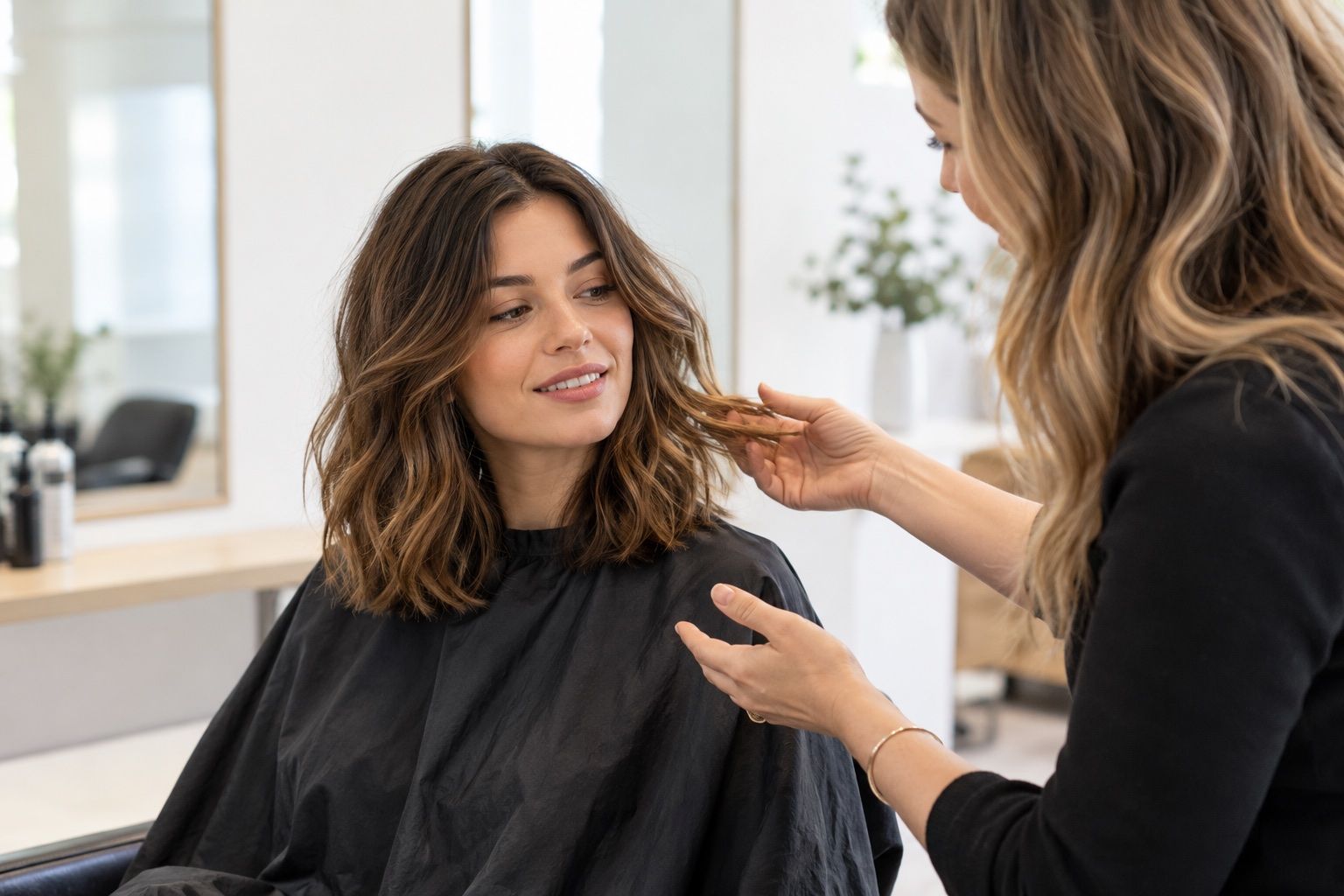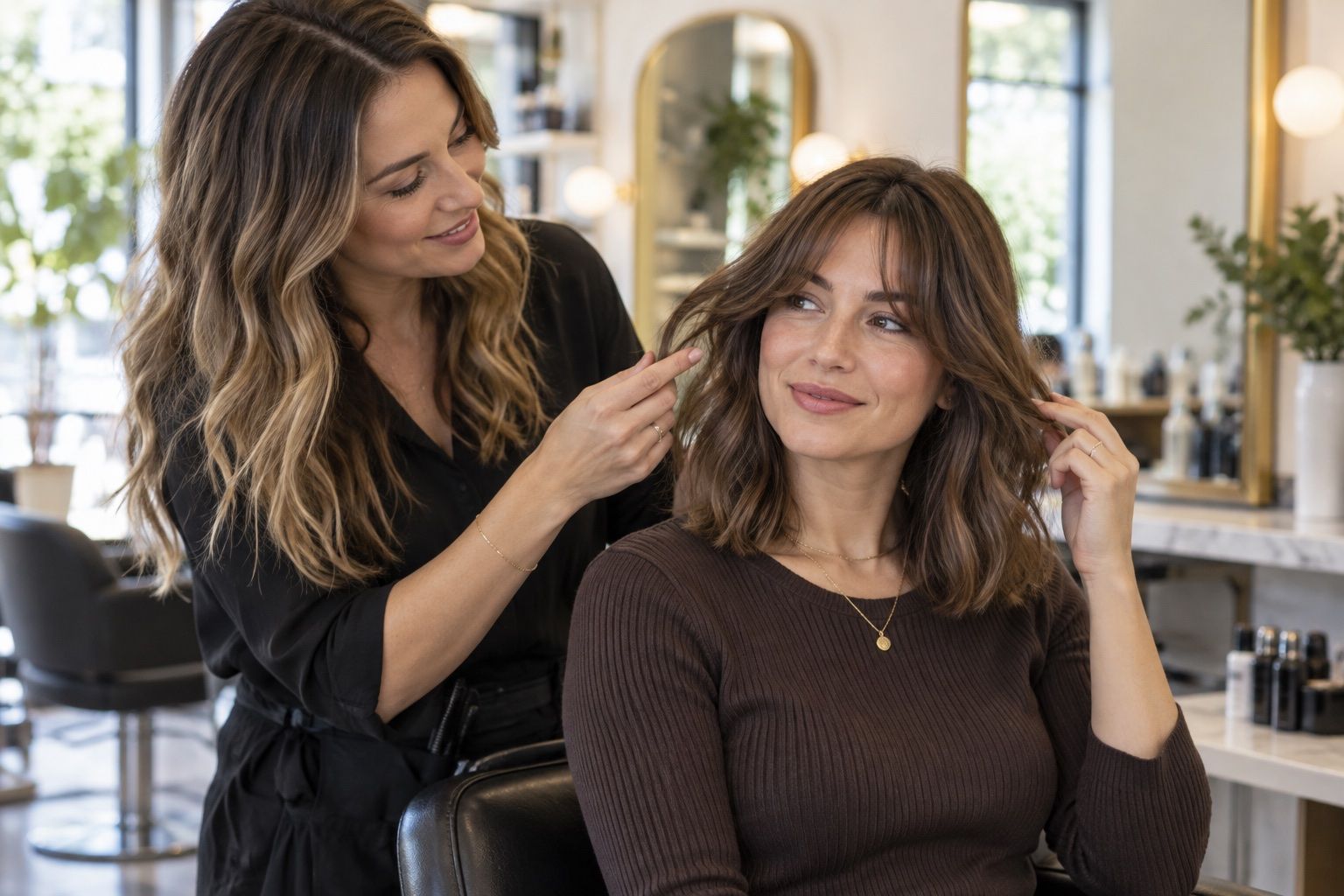
This guide looks at free hairstyle apps: features to check before you use one as a practical comparison, with attention to shape, texture and the choices to discuss before a salon visit.
Separate the core preview from extras
A free hairstyle app may include try-on styles, color changes, filters, saved looks and social sharing, but the central question is whether its haircut preview is clear enough to compare. Try a simple style first and check that the overlay follows the visible hairline. If the first result is hard to interpret, added effects will not make the haircut decision easier.
Look for controls that let you change one feature at a time: length, fringe, part or general shape. Some apps combine several changes in a single preset, which can be entertaining but makes it difficult to tell what you actually like. Save a short note beside a useful option so you can describe the shape later without relying on the app’s style name.
Understand what “free” includes
Check whether free use means a limited number of previews, access to selected styles, or a temporary trial. Features and pricing can change, so read the current screen before entering a payment method. If exports, saved folders or high-resolution images are paid extras, decide whether you need them before starting a comparison. A basic screenshot may be enough for a salon conversation.
Watch for trial language and renewal dates if the app requests billing details. Confirm how to cancel and whether a subscription is managed through the app store or directly with the provider. Do not assume a free download means every tool inside is free. If pricing is unclear, stop before committing and compare haircut references using photos already available on your device.
Test the fit with one familiar style
Choose a haircut whose general outline you recognize, such as a shoulder-length cut or a simple bob. This gives you a baseline for how the app aligns hair with the forehead, temples and ears. If a familiar shape appears in an unexpected place, you will know to treat more dramatic transformations cautiously. A useful tool should not need to flatter you to help you compare lengths.
Keep your source photo and screen conditions the same across options. Use even light, a neutral camera angle and a complete view of your current hair. When you change the photograph, brightness or expression, the new result may feel different for reasons unrelated to the cut. Consistency helps you identify the shape you prefer instead of chasing the most polished composite.
Include your maintenance limits
Before choosing a style, decide how much daily work is realistic. A short fringe may require regular shaping, while a smooth bob may need more drying and brushing than a natural texture. A preview image rarely shows the morning routine that created its finish. Write down whether you want to air-dry, use a diffuser, heat-style or simply tie your hair back when busy.
Consider maintenance between appointments too. A precise short outline can change as it grows, and some layered shapes need periodic reshaping to keep the intended movement. Ask a stylist what the grow-out will look like and whether a softer version would be easier to maintain. The most appealing preview is not automatically the most practical choice for your schedule.
Check the photo and privacy settings
Use a photo that shows the current hairline and shape in natural light. Remove filters that alter the face or blur the outline, and keep other people and identifying details out of the frame. Before uploading a portrait, read how the app handles image processing, retention, sharing and deletion. A “free” label does not explain those practices.
Review permissions and account requirements before providing information. A hairstyle preview may need access to a chosen photo, but that does not by itself explain why it would need unrelated device permissions. Decline requests that do not make sense to you. If privacy terms are unclear, use offline haircut references or a photo tool that explains its image handling more plainly.
Save only choices you can explain
A small set of labeled options is more useful than a camera roll full of unnamed edits. Keep the style name if it helps, but add a concrete detail such as “ends at the collarbone” or “long fringe that can part.” Note what you want to preserve, including natural texture, enough length for a ponytail or a particular side part.
The app may alter volume, hairline or face proportions as part of the effect. Mark the image as an idea rather than a cutting instruction. If one element looks artificial, say what you like in words and show a separate real reference for texture or back shape. This helps a stylist understand the goal without copying an overlay that may not match your hair.
Decide whether another method is better
A free app is useful when it makes a comparison easier. If it repeatedly changes the face, cannot align the hairline, or hides the cut behind effects, stop and use photographs of real haircuts. Look for examples with a similar texture, density and starting length. A stylist can explain how the shape might be adapted to your own hair.
Treat the app as one planning tool, not a test you need to pass. You can make a short list of questions without uploading a portrait at all. Describe the length and framing you want, then ask about styling time and grow-out. If the app gave you one useful idea, keep that reference; if not, no decision is lost by closing it.
Keep a clear record of the comparison
If the app allows several results, label each with the change you tested instead of the preset name alone. A note such as “jaw-length, no fringe, side part” is easier to recall than a numbered filter. Save the original photo separately and do not overwrite it with an edited version.
When you close the app, check whether the image went to a local album, cloud backup or shared feed. Follow the controls offered by the service if you want to remove it. The exact options vary, so consult the current app screens and privacy terms rather than assuming every free tool handles photos the same way.