This guide looks at compare haircut ideas for fine hair as a practical comparison, with attention to shape, texture and the choices to discuss before a salon visit.
Start with what “fine” means for you
Fine refers to strand thickness, while density describes how many hairs grow in an area; the two are often confused. A person can have fine strands and high density, or coarse strands with lower density. A virtual preview may add fullness without distinguishing these factors. Think about how your hair behaves at the roots, ends and part before choosing a style based on a label.
Use photographs that show your hair in ordinary light and at the length you currently wear. A smooth, brightly lit image can make fine hair appear denser than it is, while harsh light can reveal every separation. A consistent baseline helps you judge the outline of a preview, even though an overlay cannot calculate how much hair you have.
Compare the perimeter and layers
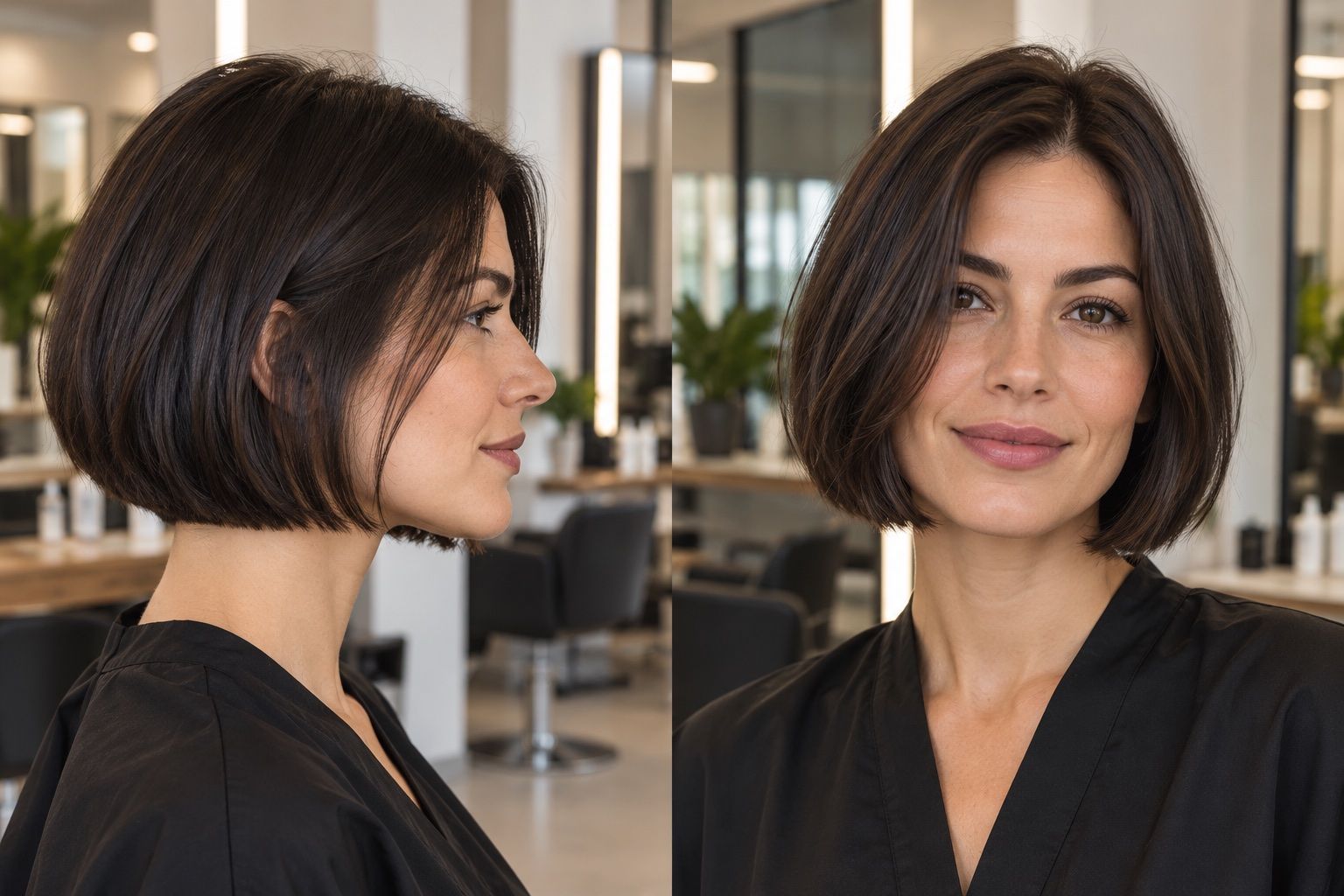
A clean perimeter can make the ends look more deliberate, while layers can create movement or remove weight. Neither is a universal rule for fine hair. The right choice depends on the length, density, texture and finish you want. Use the preview to compare the outline, then ask a stylist whether the desired shape would preserve enough fullness at the ends.
Notice whether a layered preview creates gaps or only appears airy because of the image effect. A digital style may show separated strands that require texturizing products or styling. If you want a fuller-looking result with little daily work, describe that preference rather than requesting layers automatically. The stylist can explain which technique fits your hair’s density.
Check the root volume realistically
A try-on tool may lift the roots or broaden the crown to create a balanced silhouette. This can make the style look fuller than it would without styling. Compare the hairline and crown with your source image, and do not treat added height as a guaranteed cut result. Ask what drying or product routine would create a similar effect.
Think about how long you want to spend on volume. Root lift may need a blow-dry, a diffuser, rollers or products, depending on the hair and desired finish. If you prefer to air-dry, choose references that show a more natural fall. A realistic style plan includes the routine you are willing to follow, not just the image you like best.
Choose length around your routine
Shorter hair can feel lighter and may dry faster, but it can need more frequent shaping to maintain a defined perimeter. Longer hair may offer more tying options but can feel flatter at the roots. A preview lets you compare the overall impression; it cannot decide which trade-off matters more to you. Consider work, exercise, sleep and the accessories you use.
If you often tie your hair back, check whether the proposed length can still be secured. If you like to wash and go, ask how the cut behaves without heat. Note whether the ends catch on collars or whether fringe would need daily adjustment. These details help turn a visual comparison into a choice that fits a normal week.
Use texture and color carefully
Color, lighting and styling can all change how full hair appears. A darker root against lighter ends may create contrast, while a uniform bright image may obscure individual strands; the preview may combine these effects with a new cut. Keep color constant while comparing shape. If you are considering color too, make that a separate decision and discuss its care with a professional.
Fine strands can be affected by heavy products or frequent heat, but hair needs vary. Avoid relying on a generic app label for product or treatment advice. Ask a stylist about a routine suited to your scalp, texture and styling goals. A haircut preview can show a silhouette; it cannot assess hair health or determine which products are appropriate.
Ask about keeping the ends healthy
A haircut can remove split or uneven ends, but the amount to trim depends on condition and desired length. A preview image does not show damage or determine how much length should come off. Tell the stylist if retaining length is important and ask what compromise would create the outline you want while respecting the current condition of your hair.
Avoid assuming that one specific cut will automatically make fine hair look thicker. The visual effect depends on perimeter, density, styling and the way the ends sit. Ask to compare a blunt version with a softer one and discuss what each requires between appointments. Your preferences and hair assessment should guide the decision together.
Bring realistic references
Choose a reference with similar starting length, texture and density when possible. A celebrity photo with professional lighting, extensions or a full styling team may show a finish that takes substantial effort. Point out the feature you like rather than asking for an exact copy: perhaps the jaw-length outline, the soft side part or movement around the cheek.
Include an ordinary photo of your own hair so the stylist can see how it behaves. Mention whether you want volume, easy tying, a longer grow-out or minimal heat. A virtual preview can help you communicate a direction, but real examples and routine details provide context it cannot infer.
Look at the part and crown
A preview may change the part or add height at the crown, making the whole cut seem fuller. Compare these features separately from the ends. If you normally wear a side part, start there and note whether you would be willing to switch. A small change in direction can affect how hair falls across the face.
Ask a stylist how the proposed shape behaves at your crown and around any natural parting. Explain whether you prefer lift, a flatter finish or movement. This provides a practical starting point for discussing layers and perimeter without assuming that a generic “fine hair” suggestion fits your density.
If you use clips, a side part or a specific drying method to create your usual shape, describe it. The stylist can distinguish the result of the haircut from the result of styling and suggest an option that does not rely on a routine you would rather avoid. A preview is more useful when its assumptions are made explicit.